

Privacy | Report vulnerability | License agreements | Modern Slavery Statement | Cookies | Accessibility Statement | Do not sell or share my info | Subscription details |
All third party trademarks are the property of their respective owners.
| © 2026 Gen Digital Inc. All rights reserved.

Get to know your AVG software
Discover one-click fixes & what the circles mean
If your PC is at risk, you'll know immediately by taking a glance at AVG. Most issues have a one-click fix, so it's quick and easy to put things back in order.
What do the circles mean?
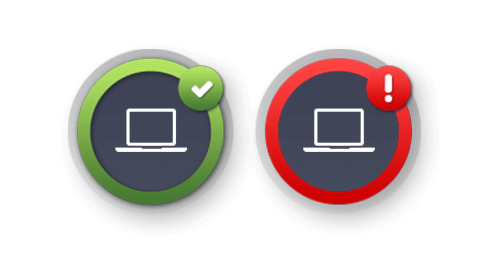
The color of the Computer, Web, Identity, Email and Firewall circles represents your protection status:
- Green = Protected
- Red = Potentially at risk
So if you ever see a red circle, simply click to find out why and what action you need to take to fix the problem.
And the more complete a circle is...
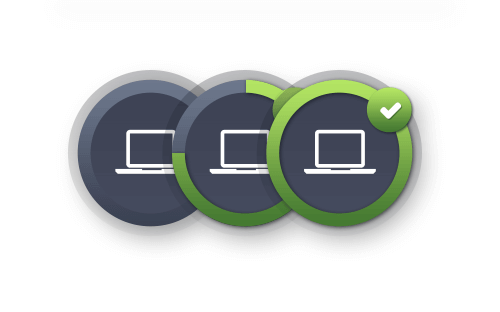
The more you're protected:
- Empty = Protection missing
- Partial = Partially protected
- Full = Fully protected
Any time there's a gap, just click to see how you can increase your protection.
Check out more AVG protection tips

Overview & first steps
