What does 502 Bad Gateway mean?
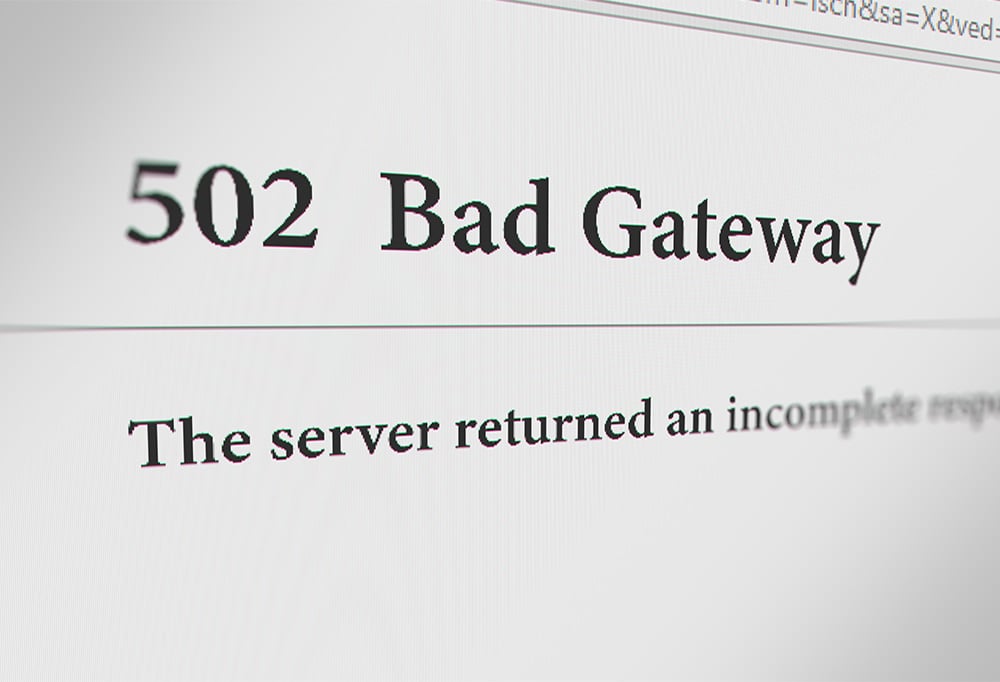
A 502 Bad Gateway error is an HTTP status code that indicates a communication breakdown between two servers — specifically, when a server acting as a gateway or proxy receives an invalid response from an upstream server. When you see this error, it means the website’s server had trouble communicating with another server it relies on, and couldn’t load the page you requested.
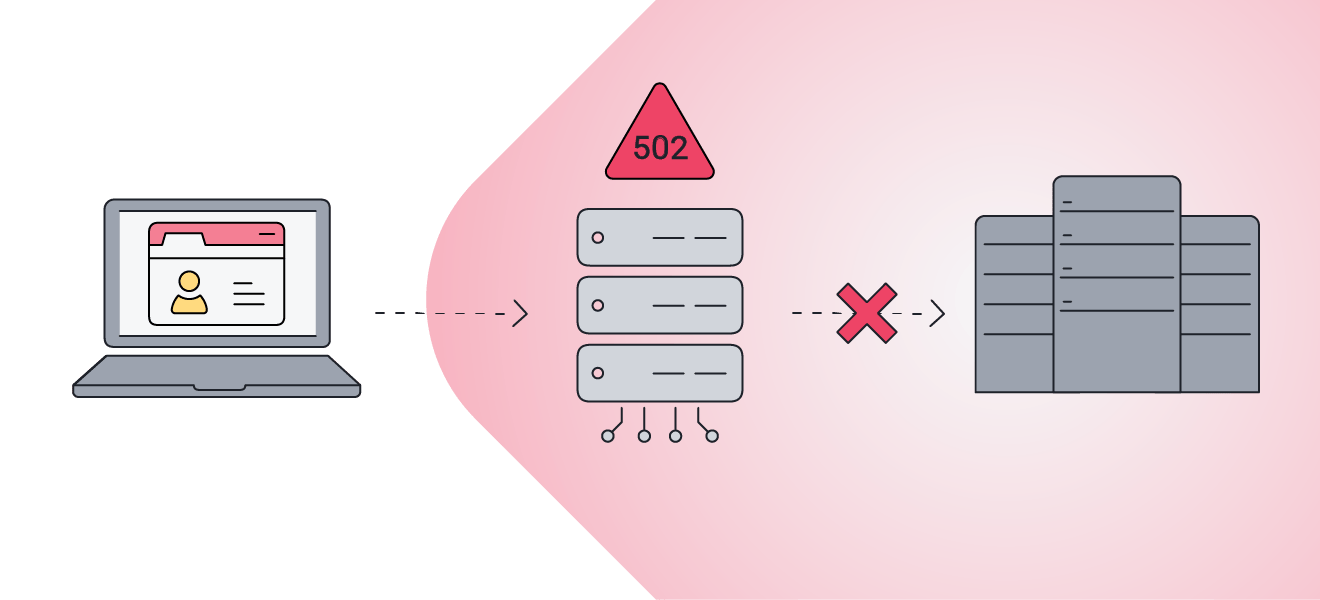 502 Bad Gateway errors happen when there’s a communication breakdown between two servers.
Common causes of the error
As a general catch-all error message for a gateway server issue, the 502 Bad Gateway error has multiple possible causes. Some of the most common include an overloaded server, DNS issues, firewall blocks, proxy failures, and outdated cache data.
-
Server overload or downtime: The backend server may be overwhelmed, stopping it from working correctly. This can happen when many people try to access a website, such as when tickets go on sale or registration opens for a limited time. The website could also be undergoing maintenance, meaning it’s unable to connect to other servers.
-
DNS issue: DNS (Domain Name System) translates domain names into IP addresses so browsers can reach the correct server. If the website’s DNS settings have changed, been misconfigured, or suffered a failure, the DNS request might not reach the correct server, resulting in an error. It’s also possible the website’s DNS was hijacked. Just to be safer, run a malware scan if you suspect something suspicious.
-
Firewall or security block: While meant to filter out malicious traffic, firewalls can occasionally work too well and block connections to legitimate websites. The error could also signal a DDoS attack on the website if protective systems start blocking large volumes of traffic.
-
Proxy error: If you’re using a proxy server or VPN, you may get the 502 error if the proxy or VPN can’t connect to the website’s server, its own server is too busy, or it can’t find the right IP address.
-
Outdated browser cache: Your browser stores, or caches, data to make websites load faster. But if the stored data becomes corrupt or outdated, your browser might not load the correct version of the page. This can happen when you revisit a site after a long time without clearing your browser cache, especially if the website has changed its configuration.
-
Network timeout: If the origin server takes too long to respond, the gateway handling your request may time out and return a 502 Bad Gateway, meaning you should try again later. In most cases, the delay happens on the website’s server, not your device or network.
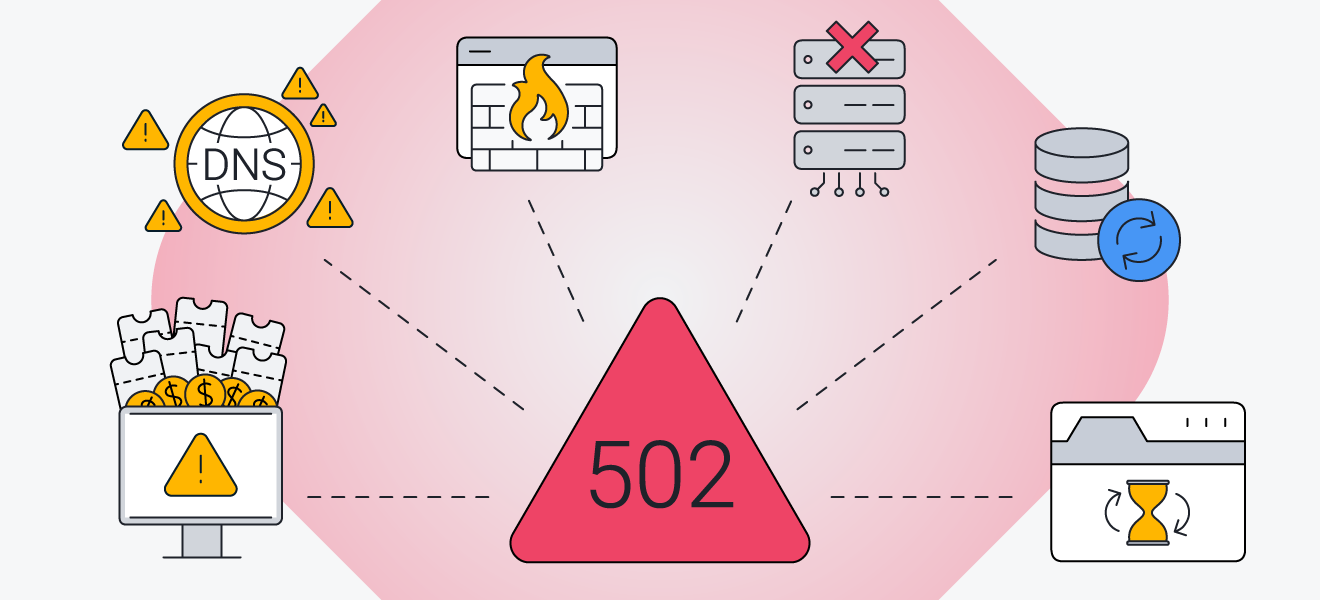 A 502 bad gateway error might be triggered by overburdened servers, DNS mismatches, misconfigured security, or other common issues.
How to fix 502 Bad Gateway errors
Just as a 502 Bad Gateway error has multiple causes, it has numerous solutions. Whether you’re a user or a website owner, we’ll give you a thorough breakdown of how to troubleshoot and resolve a 502 bad gateway error, no matter how you encounter it.
Solutions for website visitors
If you’re visiting a website and get a 502 bad gateway error, here’s what you can try:
-
Refresh the page: The issue might be a temporary hiccup, and the website may load after a few moments.
-
Clear browser cache: Your browser might be trying to connect to an older version of the website, so try clearing your browser cache. It can also help to delete browsing and search history so that nothing interferes with access to the website.
-
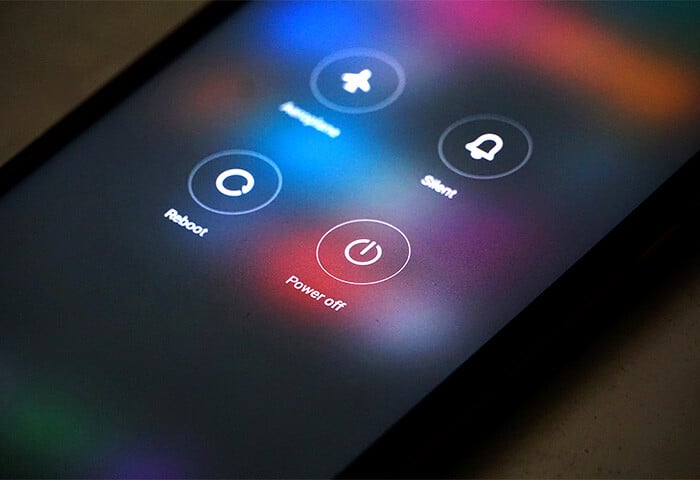
Restart your device: This will clear running programs or memory issues that may be causing the error.
-
Disable browser extensions or your VPN: These may interfere with or be blocked by the website’s gateway server.
-
Try a different browser or device: Check whether the issue persists on another browser or device. You can also try accessing the website in incognito mode to test whether you get the same error.
-
Check if the website is down for everyone: If the error appears on multiple devices on your network, you can check if the website is down on sites like https://www.isitdownrightnow.com/ or https://downforeveryoneorjustme.com/.
-
Reset your router: Reset your router or modem to help fix any temporary issues.
-
Flush your DNS cache: Your computer may have an outdated record of the site’s address, creating a DNS issue. Here’s how to clear your DNS cache:
-
On Windows: Type cmd in the Start search bar and launch Command Prompt > Type ipconfig/flushdns > Press Enter
-
On Mac: Open Terminal > Type sudo dscacheutil -flushcache; sudo killall -HUP mDNSResponder > Enter your password > Press Enter
If none of the above works, just wait a little while and try again later. It’s probably an issue that needs to be fixed on the website owner’s side and needs time to be resolved.
Solutions for website owners and developers
If you’re the owner of a website, here’s how to determine the meaning of a 502 Bad Gateway error and fix it:
-
Review server functionality: Check whether your website is running from your hosting control panel and restart or reset it if it’s not working.
-
Review server logs: Server logs can help identify the source of the error by showing any failures or warnings that occurred before the 502 response.
-
Check for server overload: A 502 Bad Gateway error can occur if the server is overloaded with too many requests. This can result from traffic spikes, DDoS attacks, or inefficient backend scripts.
-
Check firewall and security settings: Test if your firewall is the cause by shutting it off, and see if your website loads. If it loads with the firewall turned off, whitelist your server’s IP address or adjust the relevant rule.
-
Check your plugins: A faulty plugin may be interfering with communication between servers. Disable any recently installed plugins and see if that makes any difference. If it does, consider removing the plugin from your website.
-
Check your DNS configuration: The DNS may be pointing to the wrong server. Use a tool like DNSChecker to confirm your records point to the correct IP. If you recently updated your DNS settings, you may need to wait up to 24 hours for the changes to propagate.
-
Disable your CDN: If everything else appears normal, it may be a Content Delivery Network (CDN) problem. Temporarily disable the CDN and check whether the site loads as expected. If it does, reconfigure your CDN settings.
If you’re still not sure what’s causing the 502 Bad Gateway error, contact your hosting provider to help find the cause and fix the problem.
How to prevent 502 Bad Gateway errors
Whether you’re a web user or a website owner, 502 Bad Gateway errors aren’t necessarily inevitable: you can take steps to help prevent a 502 status code from appearing again. To ensure a smooth, seamless browsing experience, taking action to prevent these errors is well worth the effort — especially if you’re a website owner!
How users can prevent Bad Gateway errors
Users can’t always prevent a 502 Bad Gateway error, since it usually originates from the website’s server, but you can reduce the chances of triggering it by keeping your browser up to date, clearing your cache and cookies regularly, using a reliable internet connection, and simply reloading the page to resolve temporary glitches.
How website owners can prevent Bad Gateway errors
Website owners can help prevent 502 errors on their end by bolstering infrastructure, keeping servers updated, optimizing website performance, and proactively monitoring and maintaining services.
Use reliable, well-configured infrastructure
Choose a reliable hosting provider with good uptime, DDoS protection, and load balancing, which help prevent 502 Bad Gateway errors. If your website receives heavy traffic, use load balancing across multiple servers to manage traffic and prevent crashes that can cause a 502 error.
Keep servers and software updated
Outdated server software can contain bugs or misconfigurations that disrupt website connections. Ensuring that your server and backend services are up to date helps provide better stability and connectivity. Always test updates and new plugins on a staging environment before applying them to your live site.
Optimize backend and website performance
Improve backend performance by using caching, compressing large images, optimizing database queries, and limiting resource-heavy plugins. Use a reputable CDN, as this should help reduce the chances of overload, and make sure that your origin server’s IP configuration and SSL/TLS certificate settings are correct.
Monitor and maintain services
Set up automatic monitoring so that if your site crashes, it restarts immediately, without you having to notice the problem first. Also, monitor service logs to help spot any error messages and unusual behavior early.
Protect your system from errors and vulnerabilities
A 502 Bad Gateway error may stem from simple, harmless issues — or it could be a sign of something more serious, including malware. Whatever the cause, you’ll want to fix it quickly and help prevent future errors and vulnerabilities. That’s where antivirus software helps.
AVG AntiVirus Free is an award-winning antivirus that blocks malware, alerts you of potentially unsafe connections, flags suspicious files, and helps protect your network from unwanted interference. While antivirus software can’t fix server-side causes of 502 errors, it can help protect your device from threats that disrupt browsing or compromise your data. Download it today to keep your browsing more secure.



.png)
.png)