

Use for free, unlock more whenever you’re ready









Experts trust our top-rated Android antivirus






AVG AntiVirus offers impressive protection for free software. Add to that the user-friendly interface and excellent support, and this product is a no-brainer for Mac, PC, and Android users.

Download our free antivirus app for Android
FAQs
How do I get rid of viruses on Android?
If you think your Android phone’s infected with a virus or other cyberthreat, don’t worry. It’s easy to sort it out with the right tools. Here’s how to get started with our free antivirus app:
Download and install AVG AntiVirus for Android from Google Play.
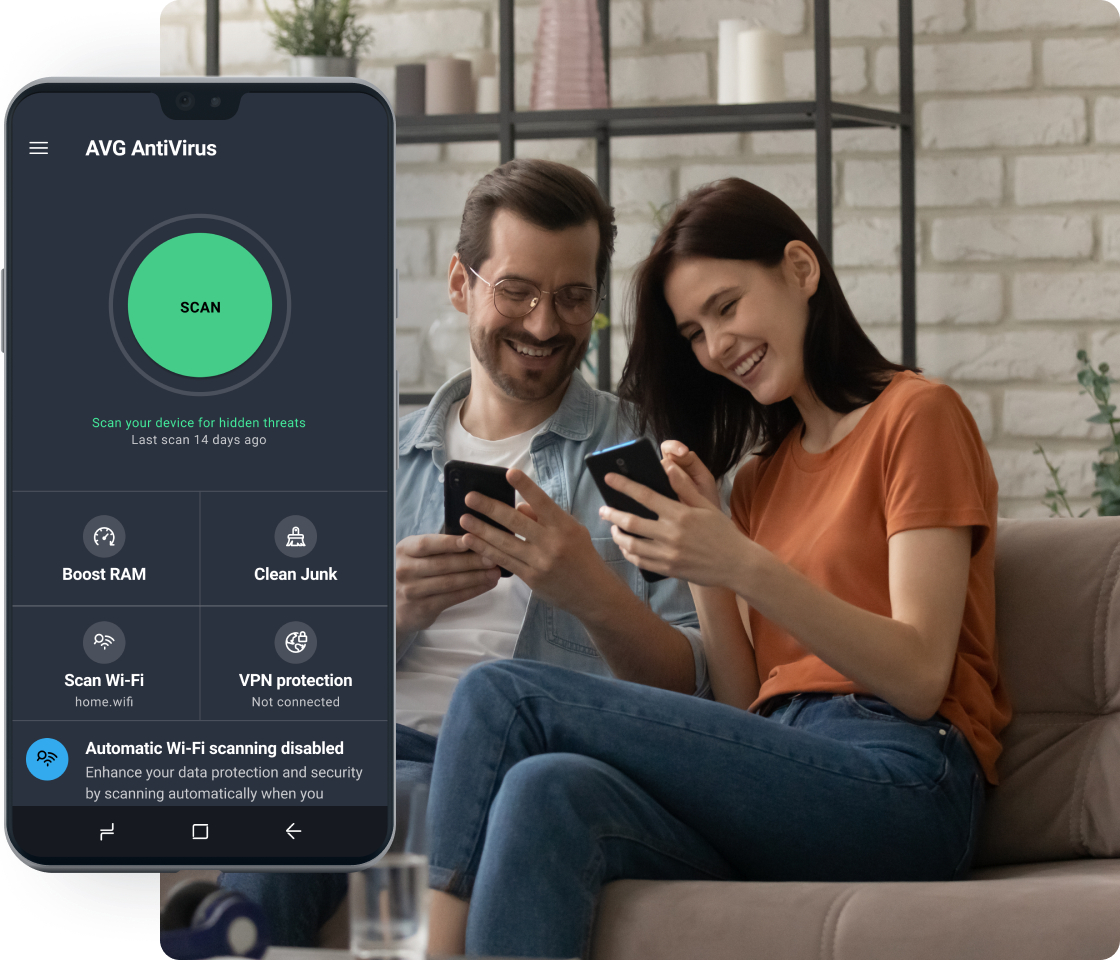
Open the app and tap Scan Now. This checks your device for viruses, spyware, or other threats.
Tap Remove to safely delete anything harmful the scan finds.
Restart your device in Safe Mode, then open the app and run another scan to catch anything hiding in background apps.
Restart your phone again to exit Safe Mode and return to normal use.
By following these simple steps, you can get rid of digital threats on your Android phone for free and help keep it protected going forward.
How do I know if my phone has viruses?
Wondering if your Android phone might be infected? Once you know what to look for, spotting the signs of malware is simple. Here are some common warning signs:
- Your phone suddenly runs much slower than normal.
- The battery drains faster than usual.
- Ads pop up where they shouldn’t.
- You see apps you don’t remember installing.
- Apps keep crashing or freezing for no clear reason.
To get protected fast, download AVG AntiVirus for Android from the Google Play Store.
Does Android have a built-in virus scanner?
Yes, Android devices include built-in security tools like Google Play Protect. This scans apps from the Play Store for known threats. But these features don’t catch everything, which is why using an antivirus app is still important.
Antivirus and security apps for Android phones add extra layers of protection to help stop viruses, harmful apps, and spyware. Cybercriminals create malware, short for malicious software. This can steal, damage, or spy on your personal data. These threats can slip in through downloads, fake links, or unsecured Wi-Fi.
To stay safer, look for apps that offer free malware and virus removal, as well as tools to remove spyware and block suspicious software behavior before it causes harm. Some apps can even help you locate your phone if it’s lost or stolen.
Is AVG AntiVirus for Android actually free?
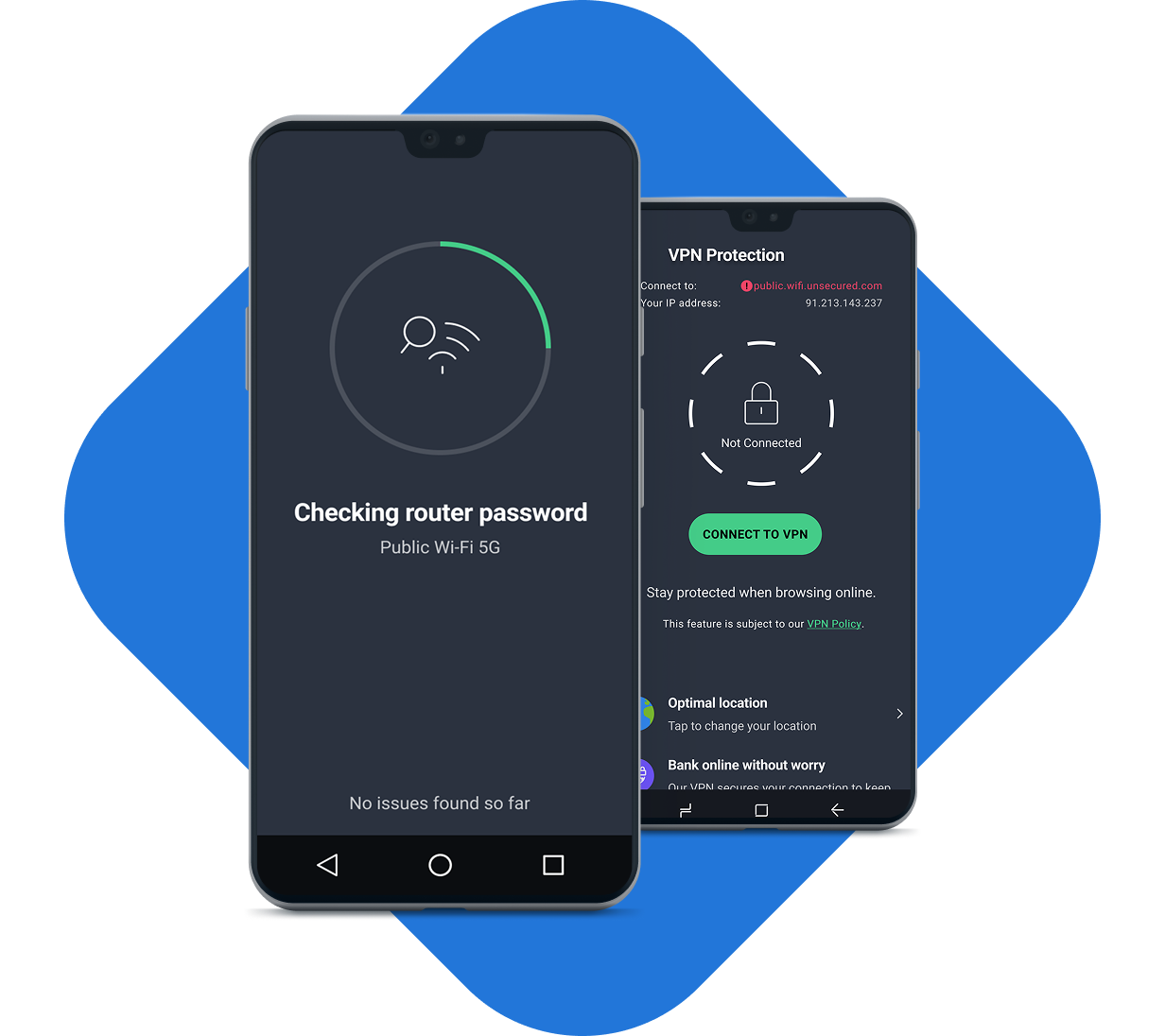
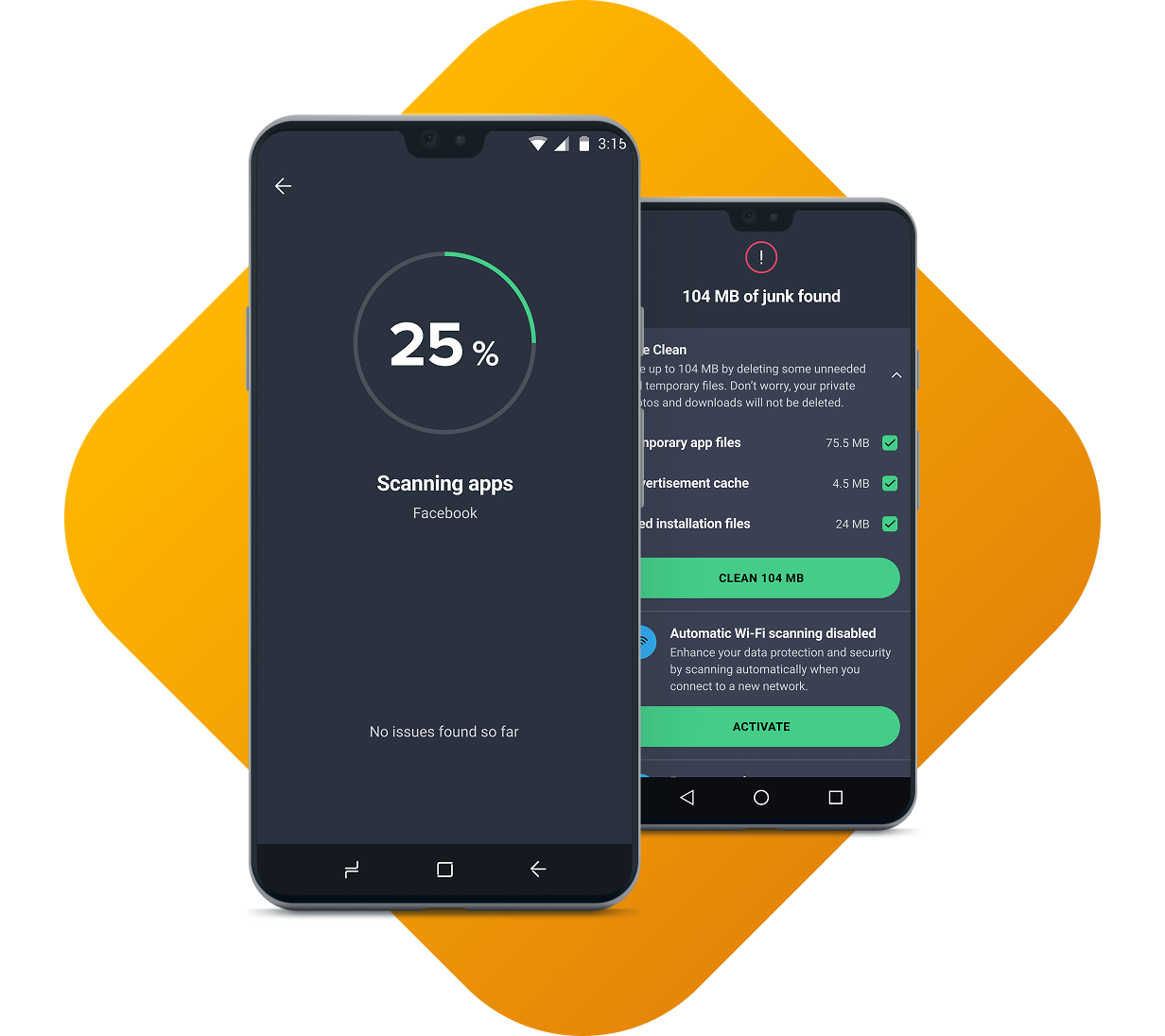
Yes, AVG AntiVirus Free for Android is actually free. It gives you core protection like virus scans, malware removal, Wi-Fi security checks, and junk cleaning at no cost.
You also get limited access to extra security, privacy, and optimization features, with the option to upgrade if you choose. These include the ability to lock your apps with a PIN code, pattern, or biometric security. With the premium version of our app, you can get advanced scam protection against SMS messages, emails, and more. You can also free up space on your mobile or tablet automatically. To get started, simply download the app from the Google Play Store and protect your phone in minutes.
System requirements


Explore our other apps and solutions
AVG AntiVirus FREE offers antivirus protection, plus privacy and performance tools all in one. But sometimes you need a more specific solution for your needs. Learn more about AVG Cleaner, AVG Internet Security, and AVG Ultimate, below.


Get expert security tips and advice for Android

How to Fix Crashing Apps on Android and Why It Happens
Why do apps keep freezing on your phone? Learn how to fix crashing apps on Android and stop Android apps from closing.

Fake Virus Warnings: How to Spot and Avoid Them
Concerned about fake virus alerts? Learn how to detect fake virus warning pages and pop-up malware and avoid a real attack.

How to Know If Your Phone Is Hacked
Can your phone get hacked? Check for signs of phone hacking and learn how you can fix and stop a phone hack in the future.

Why Your Android Phone Won’t Update and How to Force It
Having problems with the latest Android update? Learn how to update your Android phone and find out how to force or fix an Android update.

How to Find and Clean Viruses on Android Phones or iPhones
Learn how to remove viruses from your Android phone and iPhone with our expert guide. Scan and remove mobile malware, then protect against future threats.

How to Check If a Website Is Legit or Fake
Unsure if a website is legit? Read our simple guide to website safety and learn how to identify fake sites.

App Permissions on Android & How to Control Them
App permissions give apps control of your device and access to your data. Learn which Android app permissions to avoid and allow and how to manage them.

Android Safe Mode: How to Turn It Off and On
What is safe mode on Android? Learn how to reboot your phone in safe mode and how to get out of it with this step-by-step guide.

How to Know If Your Phone Is Being Tapped
Think your phone is being tracked? Learn what the signs of phone tapping are what numbers to dial to see if it's been tapped.


